How to log in to the IRMS portal
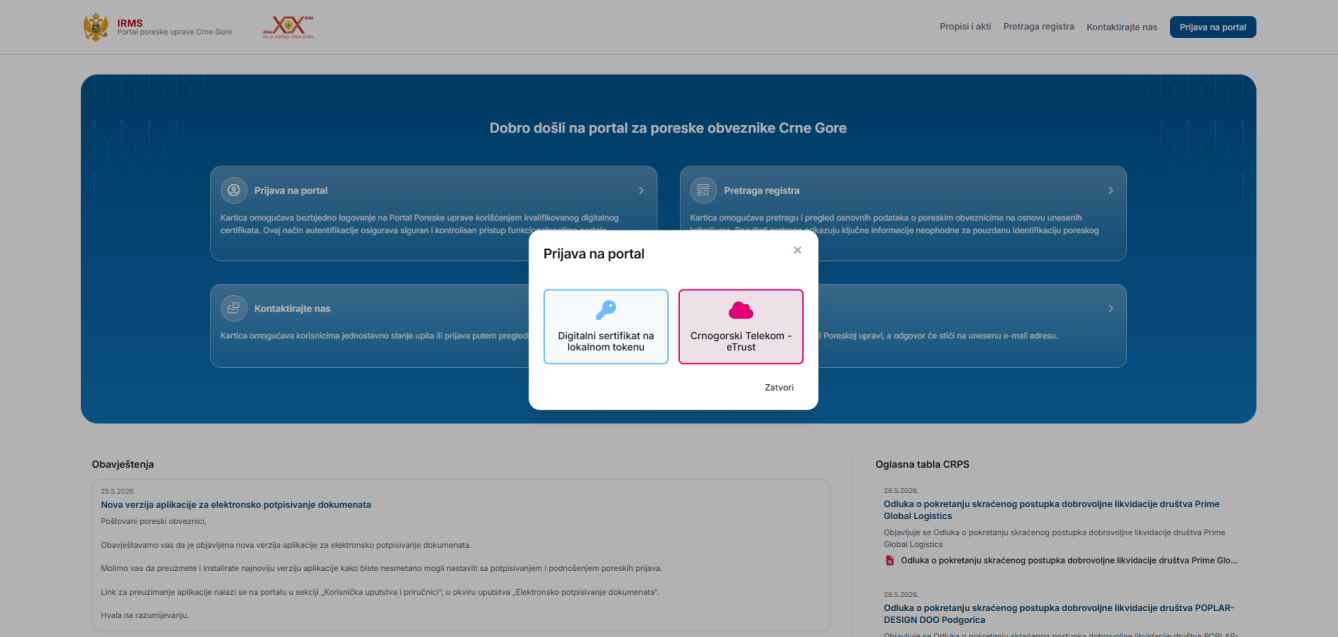
The IRMS portal of the Tax Administration of Montenegro is available at irms.tax.gov.me. Click "Prijava na portal" (Login). Two authentication methods are offered, and both require a valid qualified certificate:
- 1 Digital certificate on a local token — a qualified certificate installed on your computer (e.g. issued by PostaCG CA, MUP, CoreIT).
- 2 Crnogorski Telekom – eTrust — an eTrust account, confirmed via the eTrust mobile app.
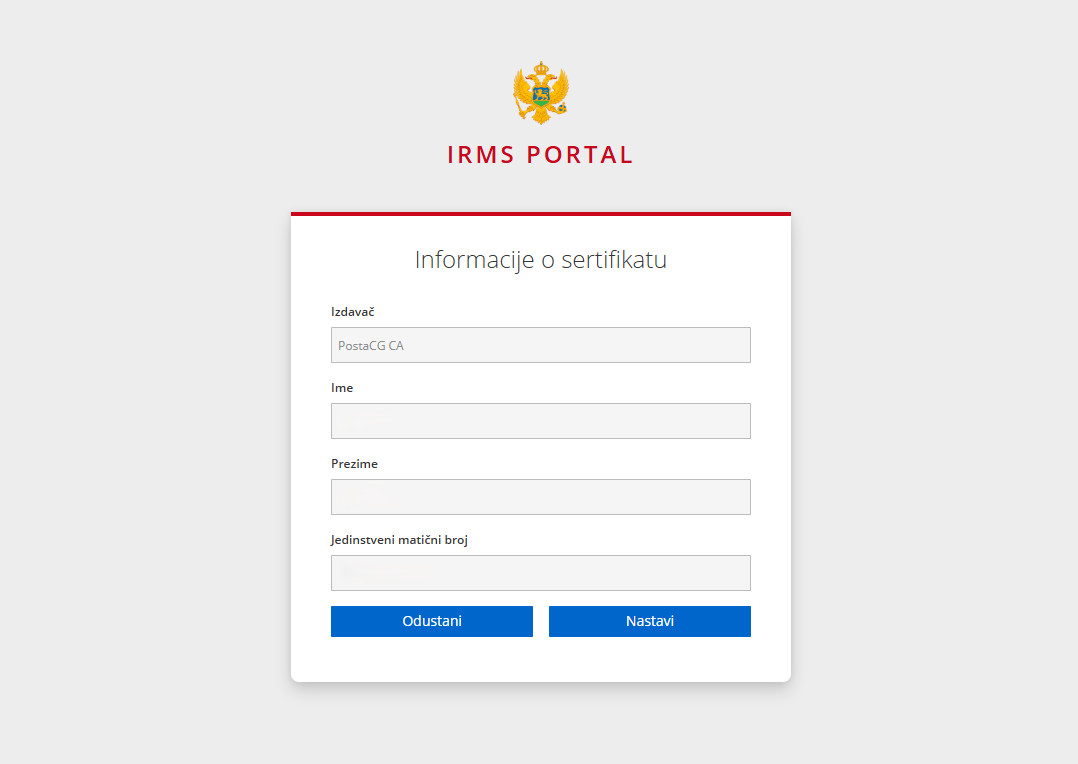
With the token option, the portal then shows the "Informacije o sertifikatu" (certificate information) screen. If your certificate or reader is not set up correctly, see our eID / eCertificate installation guide.
New signing application: IRMS Digital Signature API
As of June 2026, the Tax Administration introduced a new component for signing documents on the portal — the IRMS Digital Signature API. For signing to work it must be installed correctly (with administrator rights), it runs a local service on your computer (port 8984) and requires a restart. An official guide exists — but in practice the install most often gets stuck on browser permissions, an occupied port, or the browser not recognising the application. That is where the errors below come from. See also our PDF electronic signing guide.
Common login and signing errors — and what they mean
"Aplikacija za digitalni potpis nije dostupna…" / "Nije moguće provjeriti verziju aplikacije za digitalni potpis…" (Local Network Access, Apps on device)
The browser cannot reach the local signing application. Behind this is a combination of browser permissions, the status of the local service and its port — the exact cause depends on the browser, Windows version and how it was installed. We configure it remotely.
"Status sertifikata trenutno nije moguće utvrditi (OCSP/CRL nedostupni). Pokušajte kasnije."
The system cannot confirm the certificate validity because it cannot reach the status servers. Whether the cause is your computer or temporarily the server must be checked, not guessed. We diagnose and fix it.
"Sertifikat nije u redu. Provera za vreme" / "Neispravan status selektovaniog sertifikata. Potpisivanje prekinuto."
Signing is aborted because the certificate fails its validity/time check, or the portal sees it as invalid. The cause can be subtle — from installation and the certificate chain to its status at the issuer. We get it working without guesswork.
Why these errors happen
For certificates issued by PostaCG CA, MUP, Pošta Crne Gore or CoreIT to work without errors, the system needs a strictly defined environment: the root certificate in the right system store, properly installed middleware (SCInterface / SafeNet), local network access enabled in the browser, and the new signing service running on port 8984. A mismatch in any one of these produces the messages above. See our SafeNet USB token guide.
Administrative checks: employment and beneficial owners
Beyond technical settings, the portal also checks the employee registry — if the person logging in on behalf of a company is not registered as employed there, login is rejected even with a valid signature. Data in the Beneficial Owners Registry (RSV) must also be kept up to date.